
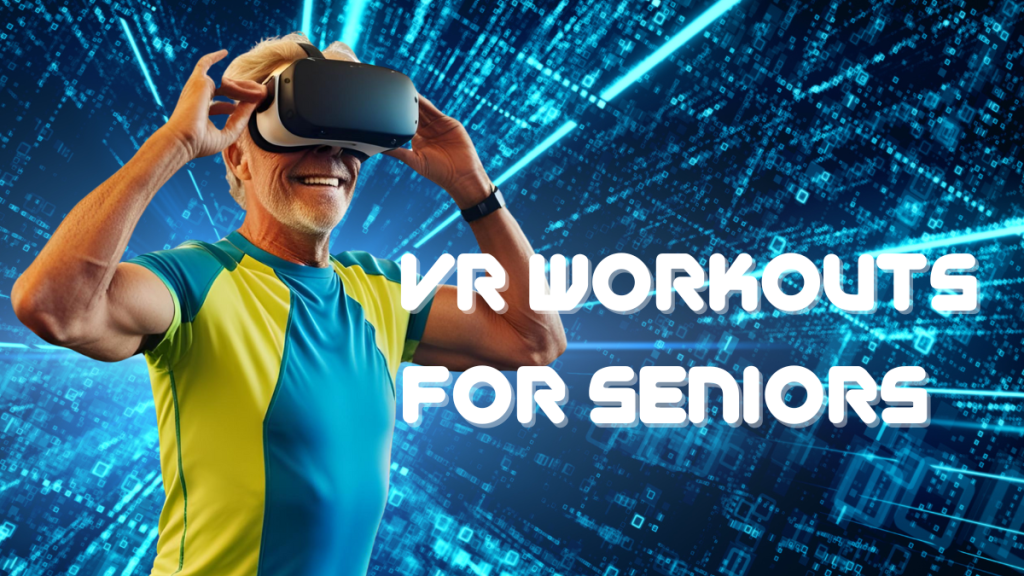
Virtual Reality (VR) isn’t just for gamers and tech lovers anymore—it’s an exciting and surprisingly accessible tool for seniors looking to stay active, have fun, and improve their quality of life. Whether you’re brand new to VR or you’re exploring it as a low-impact fitness solution, this guide will help you get started safely and confidently.
Why Seniors Are Turning to VR for Fitness
VR offers immersive, engaging workouts that can be done from the comfort of home. Many seniors are discovering that VR can:
• Make exercise more enjoyable
• Reduce feelings of loneliness through multiplayer experiences
• Help improve balance, flexibility, and coordination
• Provide cognitive stimulation and mental engagement
1. Tips for Trying VR as an Older Adult
Start with user-friendly platforms.
Look for VR systems like Meta Quest 3, which are wireless and have easy-to-navigate interfaces.
Choose beginner-friendly apps.
Start with apps like Supernatural, FitXR, or guided meditation games that ease you into movement rather than jumping into high-intensity action.
Adjust the settings.
Most VR apps allow you to change intensity, visual effects, and game duration—take advantage of these to create a comfortable experience.
Have someone nearby.
Especially at first, it’s helpful to have a family member or friend around in case you need assistance.
Take it slow.
Your first few sessions should be short—maybe just 5 to 10 minutes—so you can get used to the equipment and movement style.
2. How to Avoid Injury
Make sure there’s ample room around you—free of furniture, pets, or anything you could trip over.
Use wrist straps and a headset cushion.
This prevents accidents with controllers and makes the headset more comfortable during longer sessions.
Warm up and cool down.
Just like with traditional exercise, a gentle stretch or walk beforehand can reduce the risk of soreness or strain.
Listen to your body.
If something feels off—whether dizziness, discomfort, or fatigue—pause the session immediately.
Use a non-slip mat.
Some users place yoga mats or anti-fatigue mats underfoot to increase stability and comfort.
3. Acclimating to a VR Headset & Avoiding Motion Sickness
Expect an adjustment period.
It can take a few sessions to feel totally comfortable in VR. That’s normal.
Start with stationary experiences.
Apps that involve seated meditation or slow-paced movement are a great introduction.
Use built-in comfort settings.
Many games have features like teleportation instead of smooth walking to minimize motion sickness.
Stay hydrated and take breaks.
Don’t push through any discomfort. Step out of the headset regularly to recalibrate.
Consider fan airflow.
Having a small fan blowing on your face while in VR can help reduce feelings of nausea by giving your body a sensory anchor.
Bonus Tips for Seniors Exploring VR Fitness
• Try multiplayer modes for social connection. Many fitness apps offer group classes or social challenges—great for staying motivated.
• Explore beyond fitness. VR can be used for virtual travel, games, learning new skills, or even connecting with family in digital spaces.
• Track your progress. Use built-in fitness trackers or pair your VR headset with a smartwatch or fitness app to log your activity.
• Talk to your doctor. If you have balance issues, vision impairments, or medical concerns, check with your healthcare provider before starting a VR fitness routine.
VR fitness has the power to transform the way seniors stay active and connected. With the right approach, it can be a safe, empowering, and genuinely fun part of your wellness journey.
Want more tips, gear reviews, and game recommendations? Sign up for the VRFIT newsletter and never miss a beat.
 VR F I T